
Disrupt Your Brain's Habits
You know what the document is supposed to say, so you mentally fill in the blanks and gloss right over the errors.
Your brain thinks it sees things that should be there, even when they aren't.
Here's a sampling from the hundreds of examples of errors our students didn't find when they read through their documents on the computer screen.
A mistyped letter changed the meaning:
-

The common law treats restrictive covenants in employment contracts as restraints on trade, enforceable only if they are seasonable reasonable and in the public interest.
Monkey Money laundering is a global problem made more difficult to control because of new e-commerce technologies.
The police officer testified that there was heroine heroin in the car's trunk.
We applied for funding to increase clinic hours to meet the needs of the undeserved underserved population.
Left out words mangle the meaning:
Please be advised that our client rejects your recent offer because it is high enough not high enough to cover their actual out of pocket expense.
The evidence supports the motion to dismiss, withstanding notwithstanding anything to the contrary.
Embarrassing homonyms:
-

The plaintiffs were seen on the construction site digging wholes holes near the retaining wall that later collapsed.
The driver testified that the breaks brakes breaks did not work, causing the car to crash.
Please read and initial the changes to the contract's third claws clause .
Spelling, grammar, and typo errors made the student look unprofessional:
"Dear Editor-in-Chief,
Please except accept my application for the legal editor position."
(Guess who didn't get the interview?)
What's the Antidote?
Adopt Proofreading Strategies That Disrupt Your Brain's Habits
Writing Experts Recommend:
-

Use spell and grammar check – but never stop with those. Spell check and grammar check will not pick up your embarrassing homonyms, words that are spelled correctly but are the wrong word, repeated phrases, and other glaring errors.
-

Read your text out loud s l o w l y.
-

Turn on the word processing program's speech function and let the program read out loud to you while you follow along in the text. You can adjust the speed.
Listen to what it sounds like:
The common law treats restrictive covenants in employment contracts as restraints on trade trade enforceable only if they are reasonable and in the pubic interest. Restrictive covenants in employment contracts are scrutaniseed more closely than those in business sale contacts. The courts perfume, there is inbalanced in the parties' knoweledge and bargaining power. A restrictive covenant must now unduly restrain employees' ability to learn a living in their field.
-
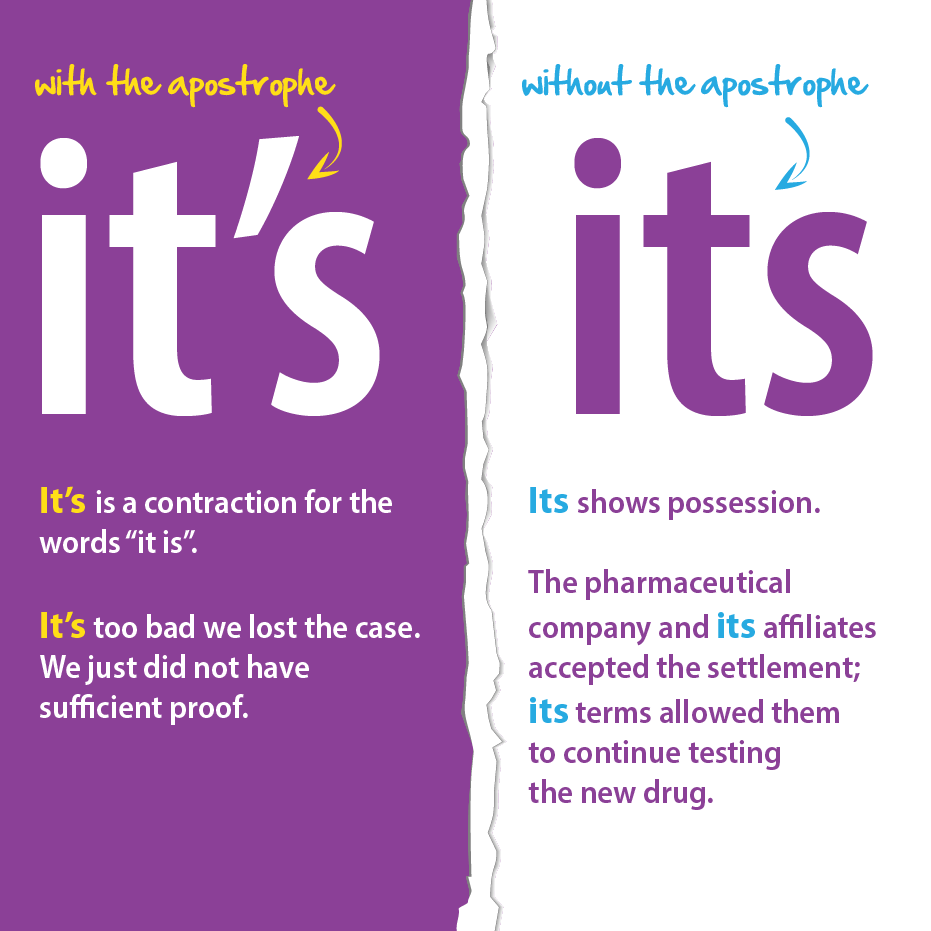
Proofread in layers. It sounds time-consuming, but it saves time. Read through:
- Once for punctuation
- Once for grammar (verb tenses, pronoun agreement, misused words)
- Once for spelling, including proper names
- Once for your own problems
-

As you read, circle the error and put a pencil check at the end of each line.
-

Cover the text below with a paper to block out false clues from the surrounding text.
-

If you must read on the computer screen, enlarge the text and put the line you are reading at the bottom of the screen. Scroll down one line at a time.
-
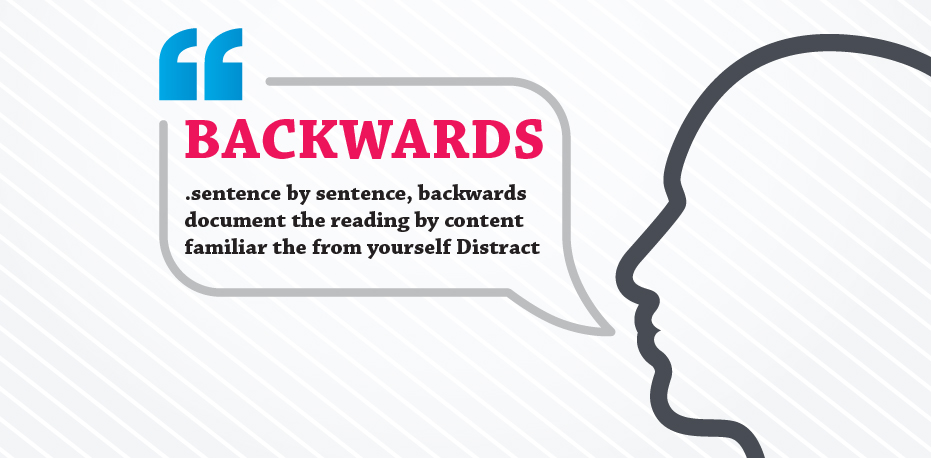
Distract yourself from the familiar content by reading the document backwards, sentence by sentence.
-

Exchange work with a colleague.